🎁 90-Day Free Trial Activated

The Ultimate Play Console Manager for Flutter

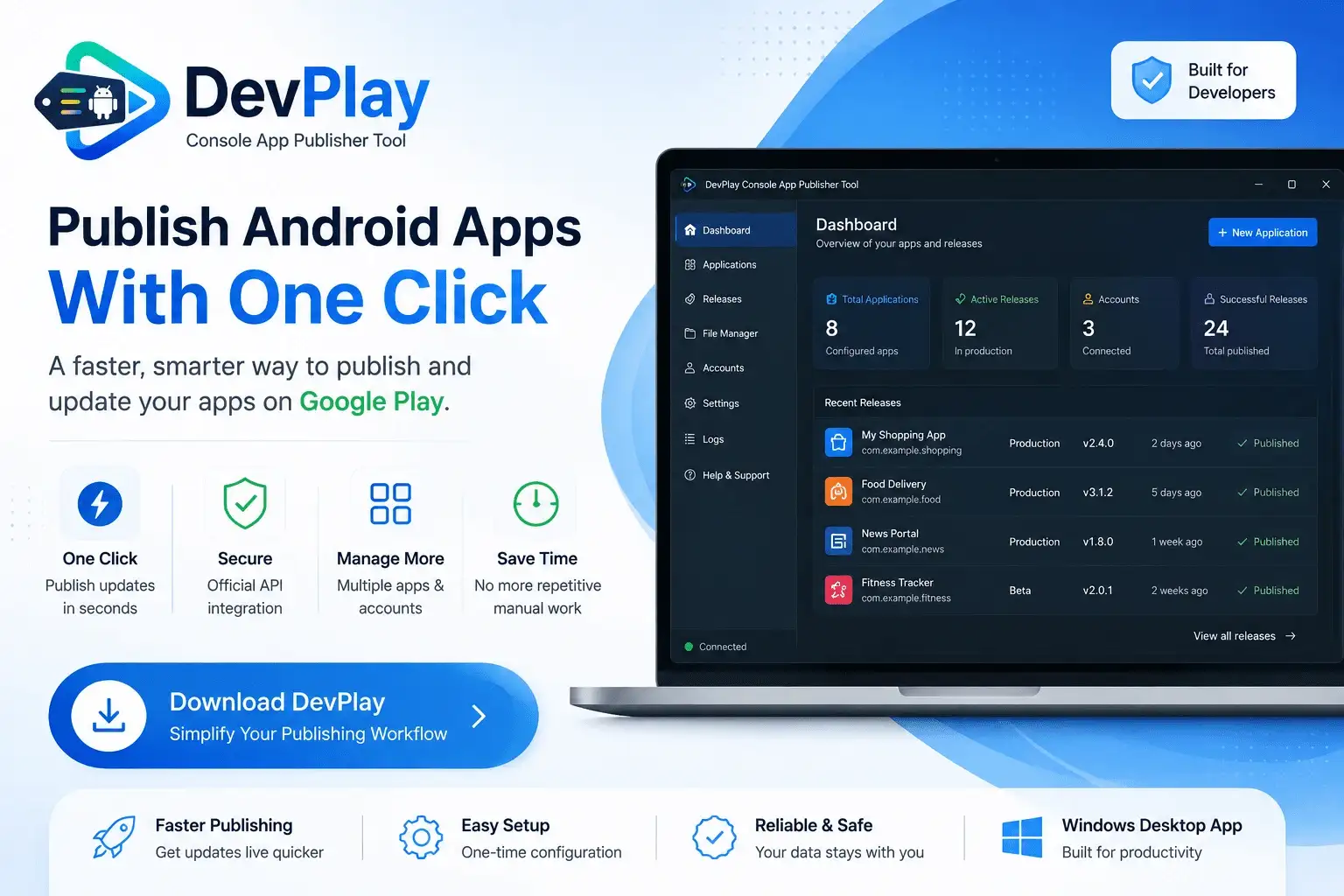
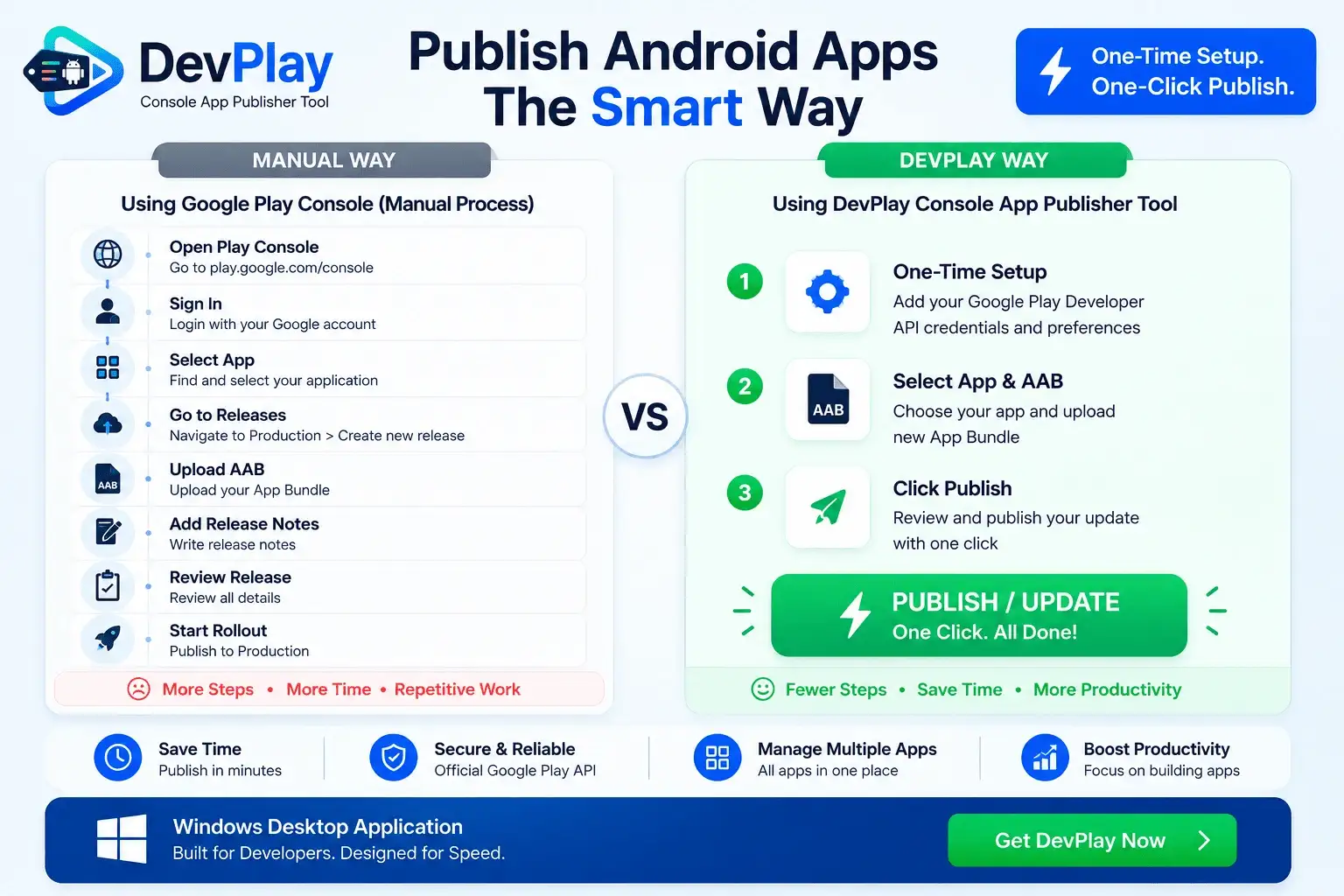
Stop wasting time navigating the laggy Play Console web portal. Connect your developer account once and publish Flutter app updates directly from your Windows PC in a single click.

⚡ Download Tool (.exe) Get from Microsoft Store
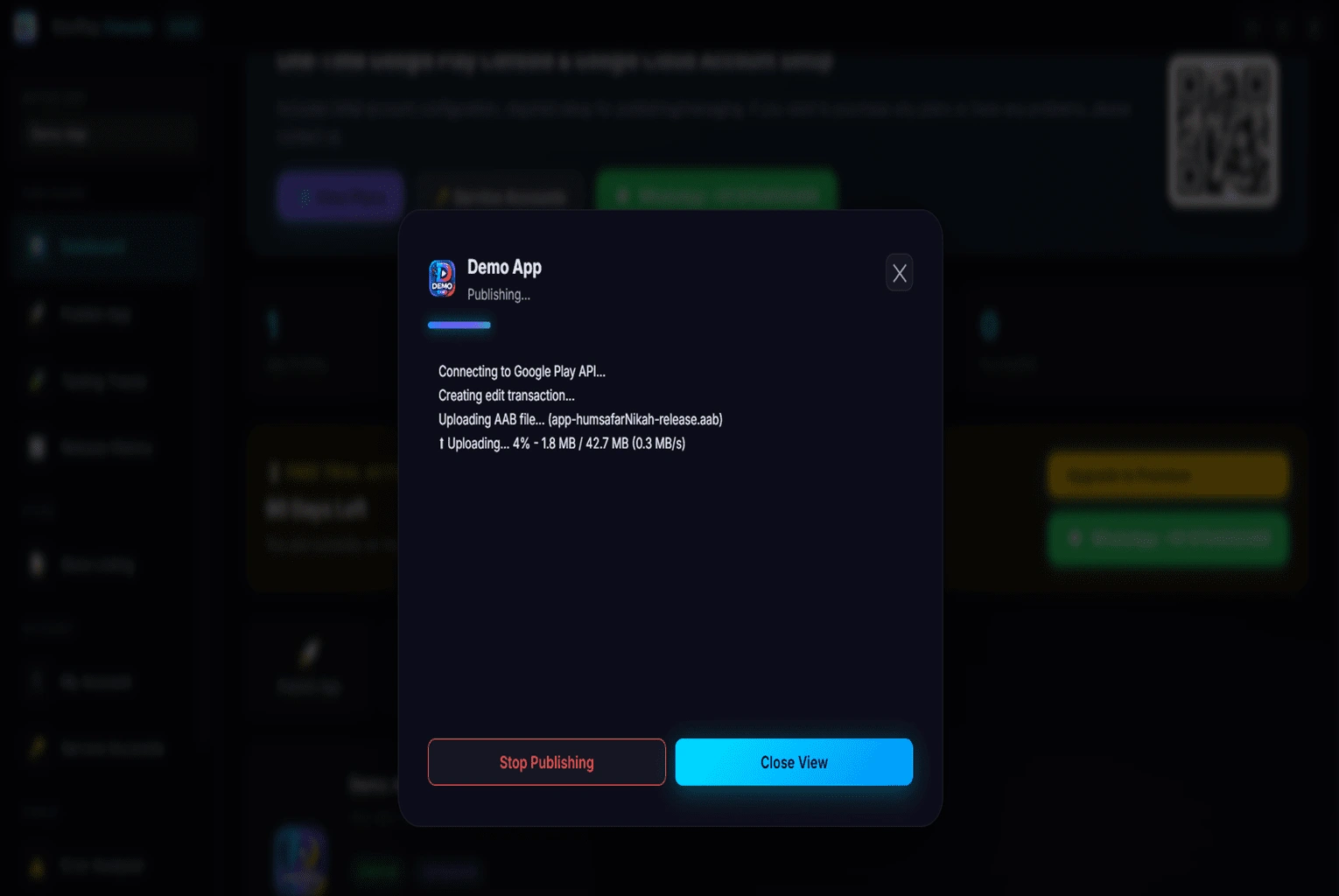
> devplay --publish
> targeting production...
> upload successful!

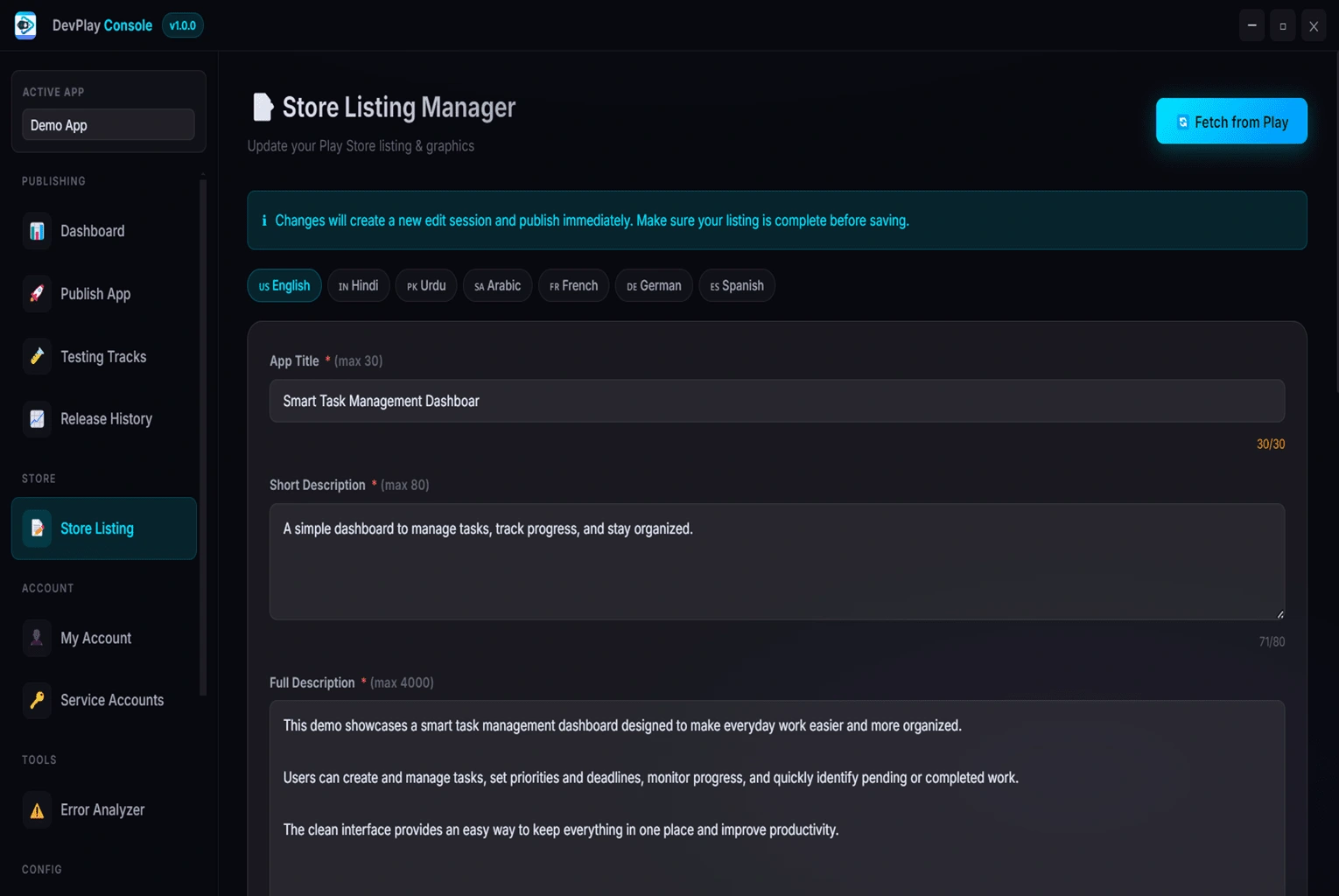
Comprehensive Feature Suite

1-Click Publisher

Upload AABs directly to Production, Beta, or Staging tracks instantly.

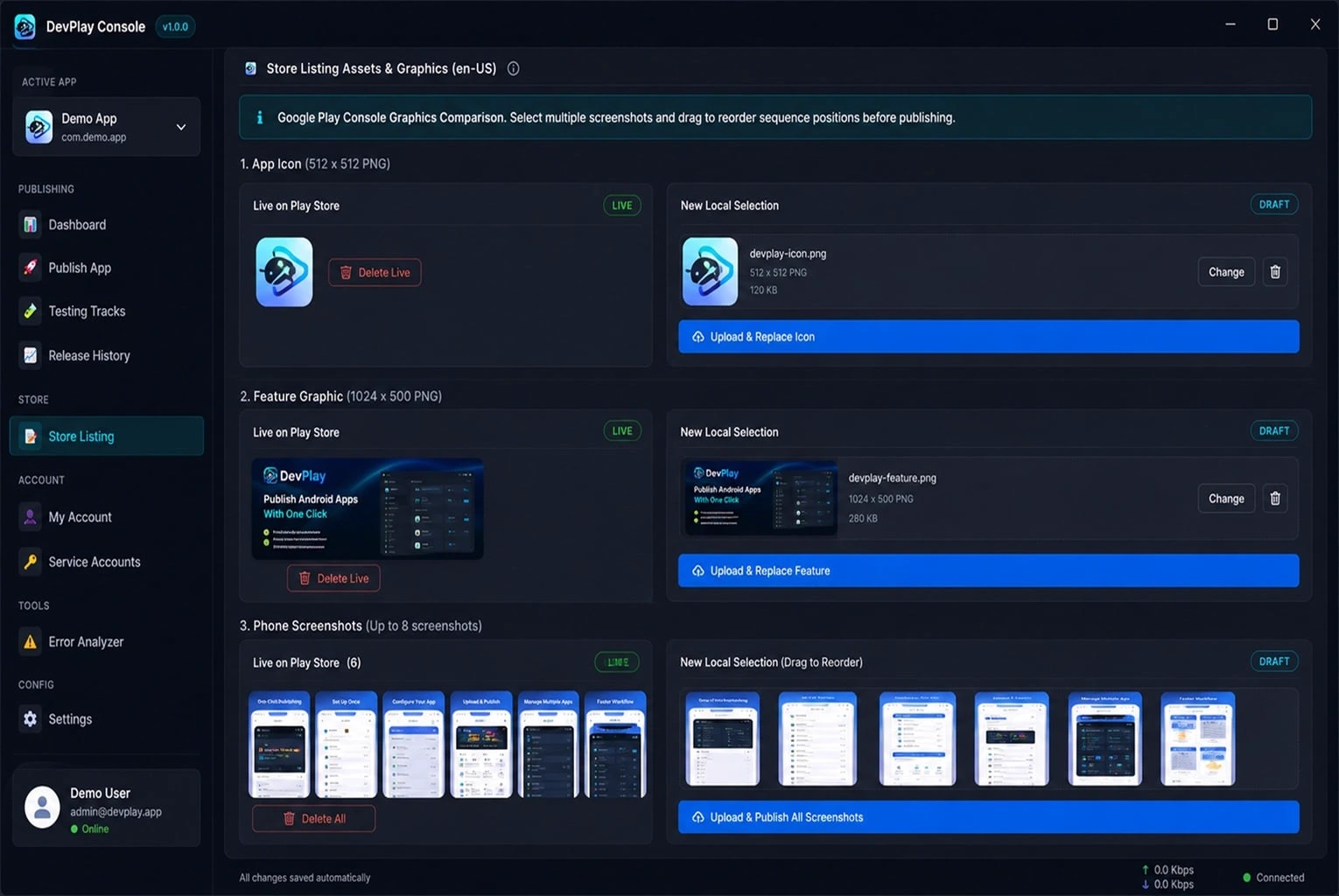
🎨

Graphics Manager

Update icons, feature graphics, and screenshots effortlessly.

🛡️

Error Analyzer

Preflight checks verify version codes and signatures locally.

🔑

Key Security

256-bit AES encryption for all your Service Account API keys.

👥

Multi-Account

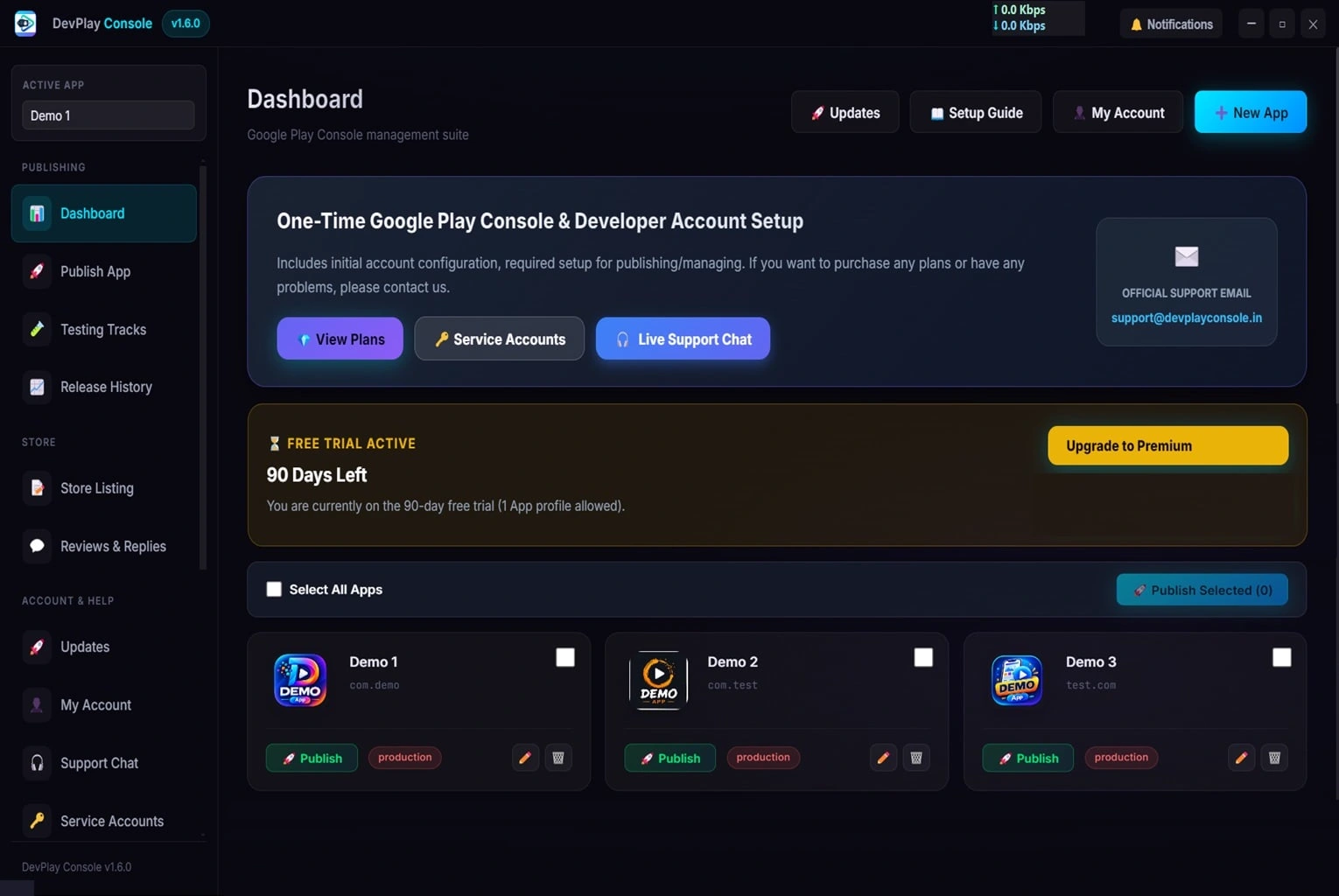
Manage dozens of client apps from one centralized dashboard.

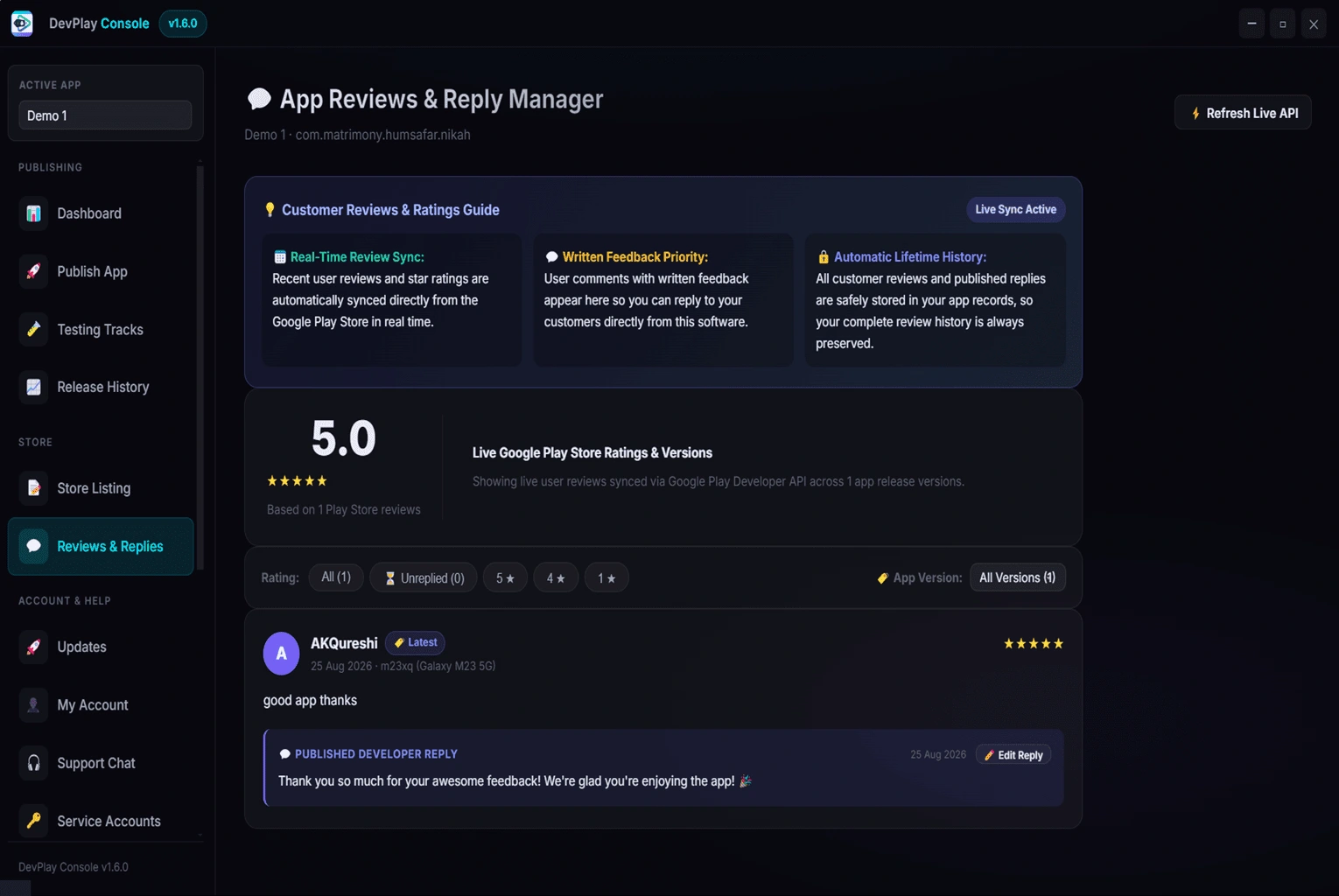
💬

Review Center

Reply to Google Play Store user reviews directly on PC.
Why Flutter Developers & Teams Rely on DevPlay Tool

DevPlay Console Tool is built specifically to streamline the release pipeline for Flutter app creators.

By integrating directly with official Google Play Developer APIs, DevPlay bypasses web browser lag, auto-verifies version codes, and allows 1-click deployments to Production, Beta, or Staging tracks.

Frequently Asked Questions

Q. How does DevPlay Tool simplify Flutter AAB deployments?
DevPlay Tool reads your Flutter app output directory (`build/app/outputs/bundle/release/app-release.aab`) and uploads it directly to Google Play Console using official Google Developer APIs in 1-click.
Q. Do I need to update pubspec.yaml version numbers manually?
You update `pubspec.yaml` as usual. DevPlay Tool verifies your version code against existing Play Console releases before uploading to prevent build rejection.
Q. Does it support Flutter multi-flavor releases?
Yes! You can select specific build flavor AAB bundles and target different Play Console app listings seamlessly.
Q. Is my Google Developer Account safe when using DevPlay Tool?
100% safe. DevPlay runs locally on your PC. Your Service Account credentials and API keys are saved strictly on your local computer.
🎉 90-Day Free Trial

Start Publishing The Smart Way

Download DevPlay Console Tool for Windows today. One-time setup, 1-click publishing.

⚡ Download Free Trial (.exe) Get from Microsoft Store

Related Guides

Android Publishing Tool for Windows Android Publishing Tool for Windows | DevPlay Console Tool → Android App Publisher Android App Publisher | DevPlay Console Tool → Android Release Management Tool Android Release Management Tool | DevPlay Console Tool → Android Publishing Workflow Android Publishing Workflow | DevPlay Console Tool → Android App Publishing Tool Android App Publishing Tool | DevPlay Console Tool →